# St (Suckless Terminal)
## Xresources live-reload demo

## Dependencies
```
# Void
xbps-install libXft-devel libX11-devel harfbuzz-devel libXext-devel libXrender-devel libXinerama-devel
# Debian (and ubuntu probably)
apt install build-essential libxft-dev libharfbuzz-dev
(most of these are already installed on Arch based distros)
# Install font-symbola and libXft-bgra
```
## Install
```
git clone https://github.com/siduck/st.git
cd st
sudo make install
xrdb merge pathToXresourcesFile
```
(note : put the xrdb merge command in your wm's autostart or similar)
## Fonts
- Install JetbrainsMono Mono Nerd Font or any nerd font from [here](https://www.nerdfonts.com/font-downloads)
## Patches:
- Ligatures
- sixel (check sixel branch)
- scrollback
- Clipboard
- Alpha(Transparency)
- Boxdraw
- patch_column ( doesnt cut text while resizing)
- font2
- right click paste
- st desktop entry
- newterm
- anygeometry
- xresources
- sync patch ( Better draw timing to reduce flicker/tearing and improve animation smoothness )
- live reload ( change colors/fonts on the fly )
and more...
## Xresources live-reload
```
# make an alias for this command
alias rel="xrdb merge pathToXresourcesFile && kill -USR1 $(pidof st)"
```
## Ram usage comparison with other terminals and speed test
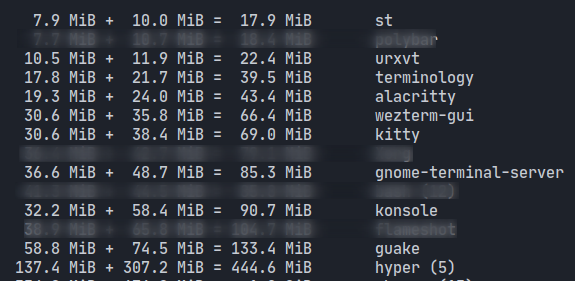
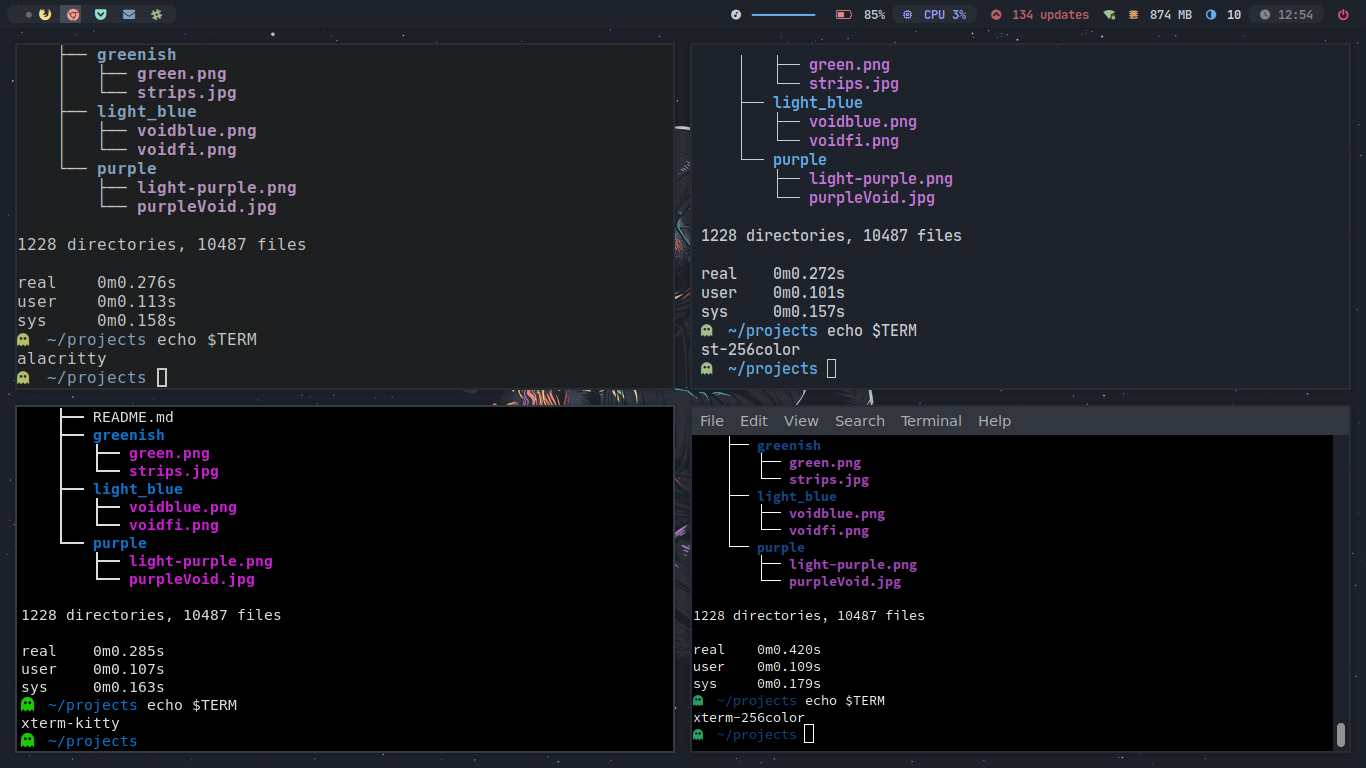
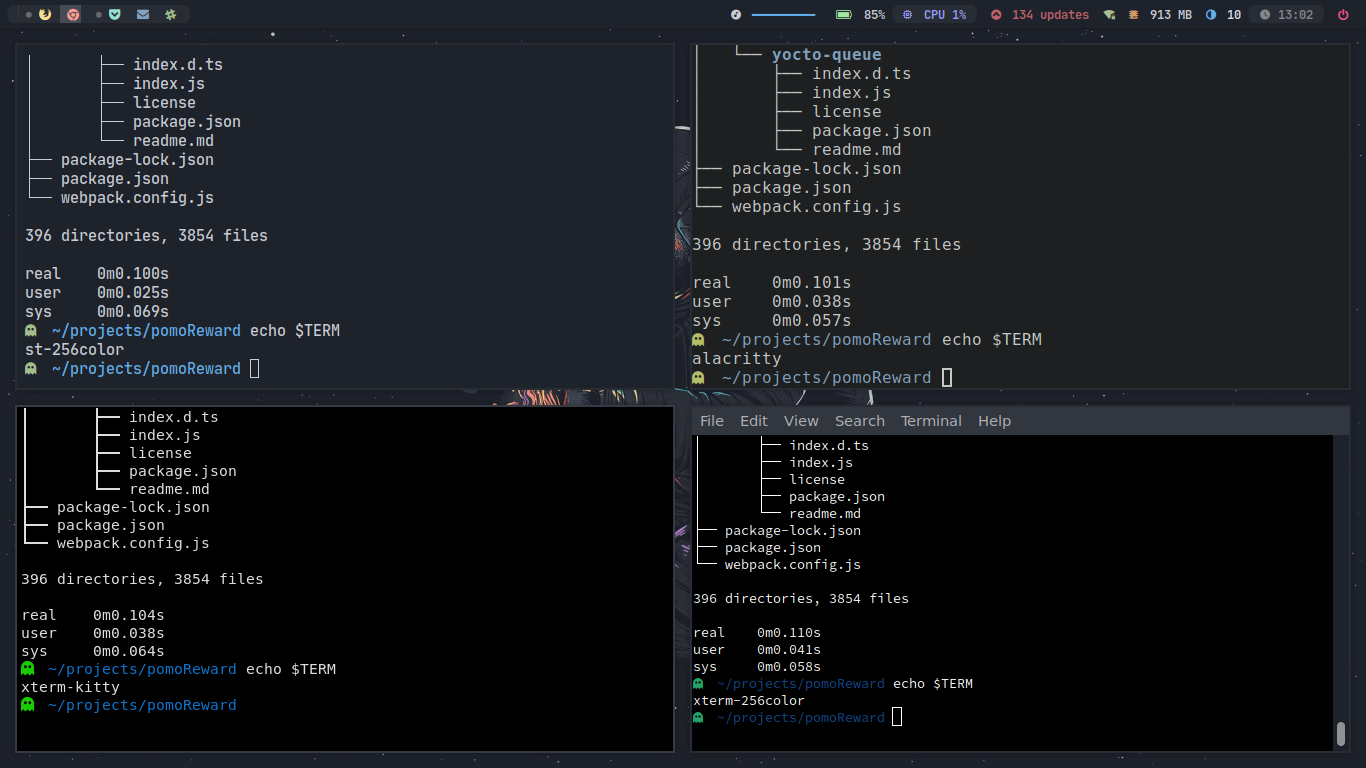
( note : This benchmark was done on my low end machine which has a pentium cpu so the speed results might vary )
## Default Keybindings
ctrl + shift + c        Copy

ctrl + shift + v        Paste

right click on the terminal ( will paste the copied thing )

(Zoom)
alt  + comma            Zoom in

alt  + .                Zoom out

alt  + g                Reset Zoom


(Transparency)
alt  + s                Increase Transparency

alt  + a                Decrease Transparency

alt  + m                Reset Transparency


alt + k                 scroll down
alt + j                 scroll up

mod + shift + enter    open a new terminal with same cwd ( current working directory )
you can change all of these in config.h
## Themes/Fonts used
- ls-icons: https://github.com/Yash-Handa/logo-ls
- Xresources: onedark ( just xrdb merge xresourcesfile , do this everytime you make any change to xresources file ) from this repo itself.
- Font: JetbrainsMono Nerd Font + material design icon fonts
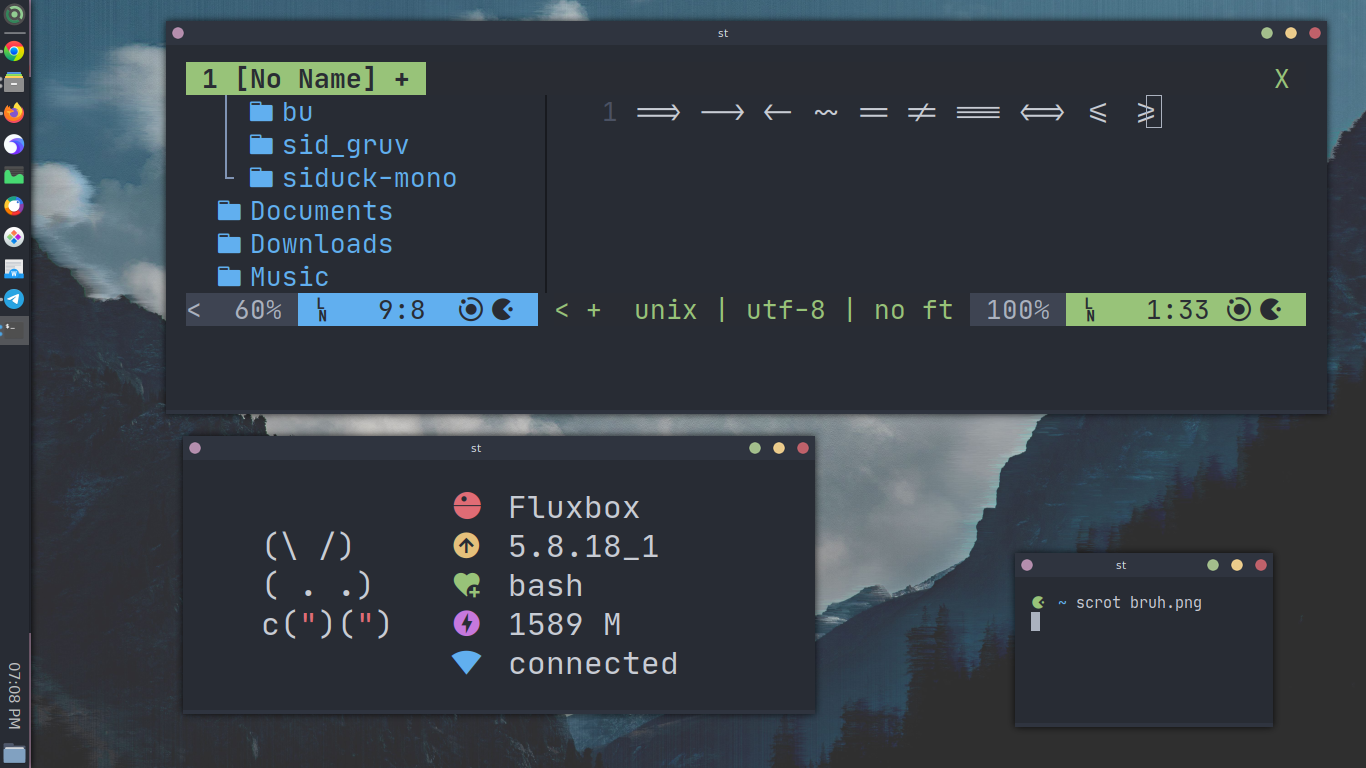
## Screenshots:
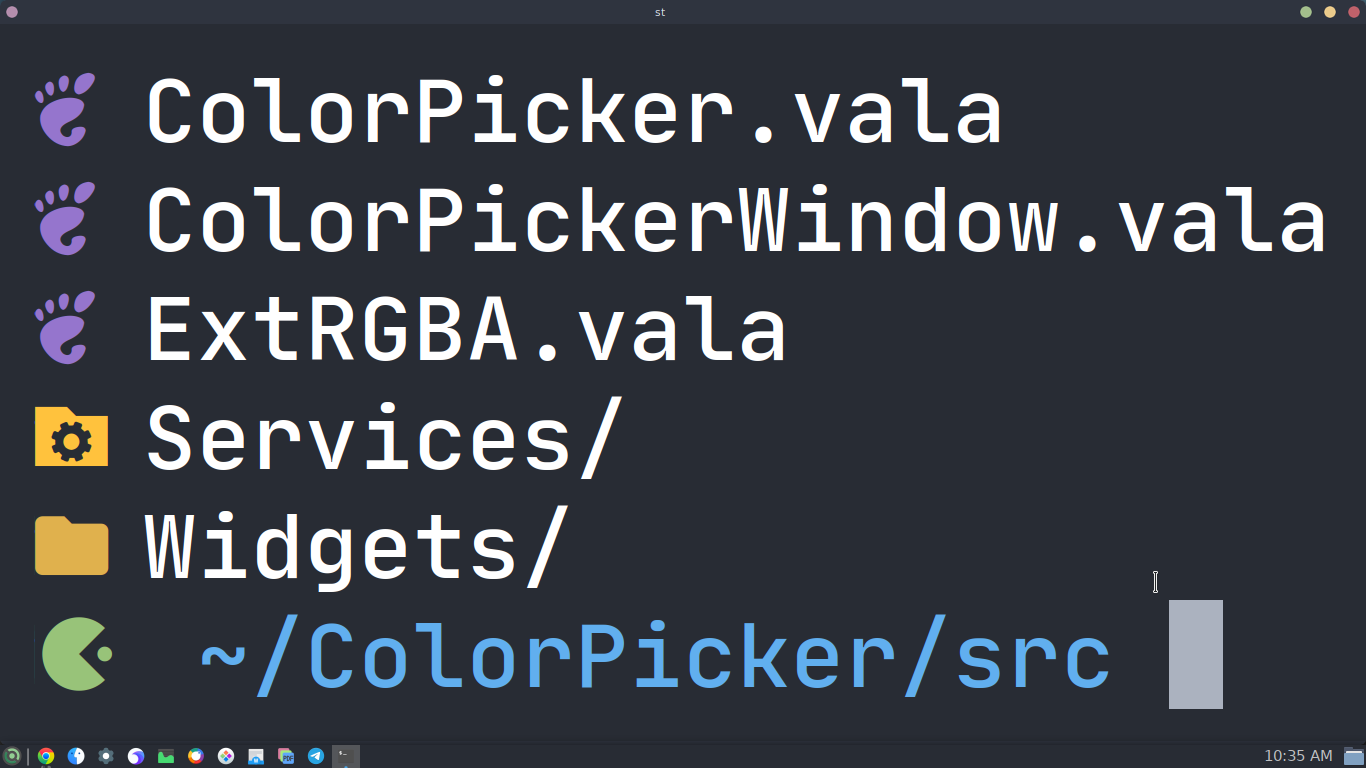
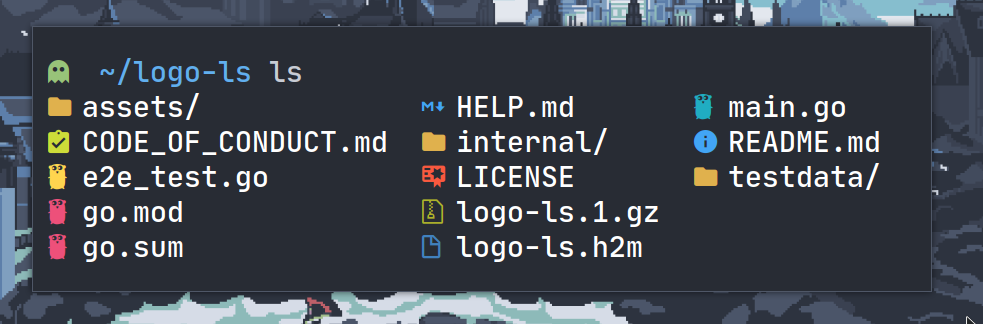
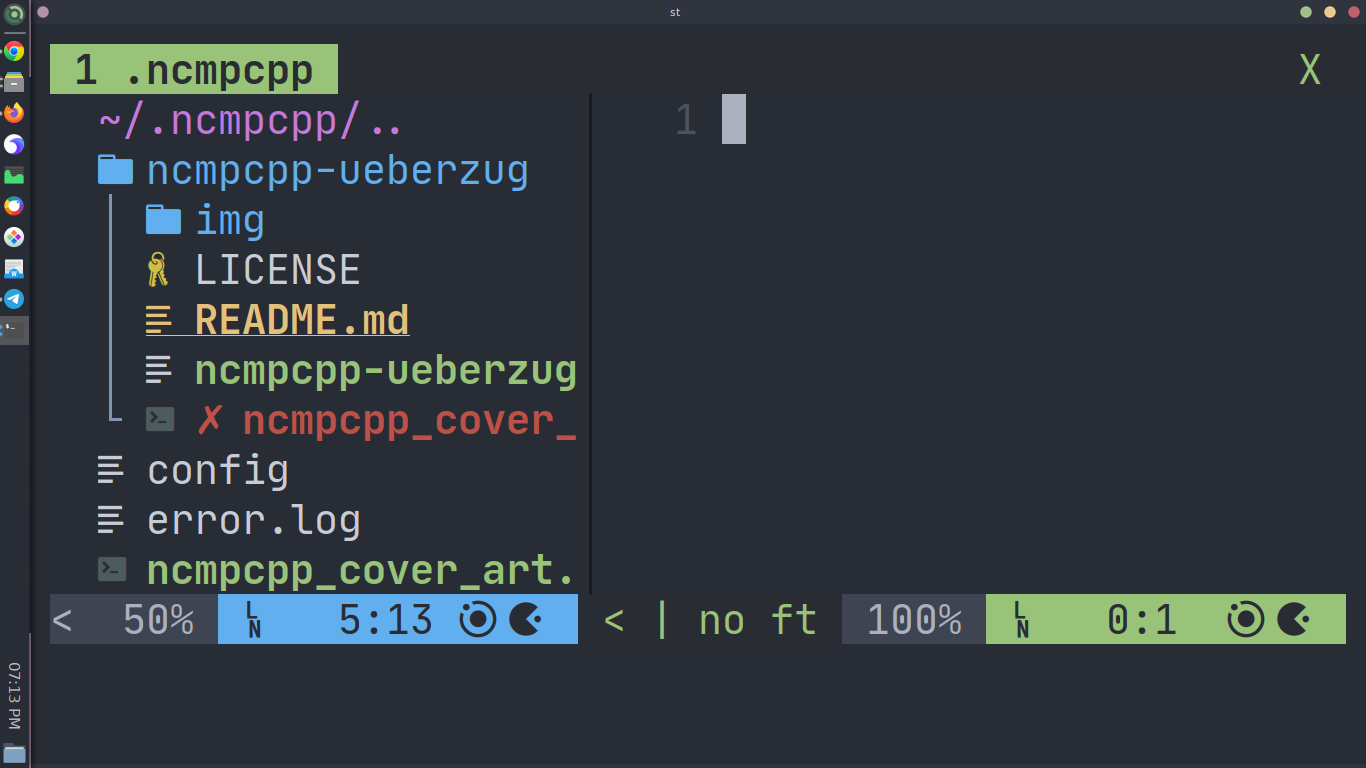
# Credits
- [live-reload](https://github.com/nimaipatel/st)
- [patch_column](https://github.com/nimaipatel/st/blob/all/patches/7672445bab01cb4e861651dc540566ac22e25812.diff)
## Other St builds
1. Sixel St (sixel branch , with sixel graphics support)
2. St with vim-browse (vim-browse branch , navigate within like vim)
3. Awesomewm users might face a weird gaps issue (#23) so they need to use the anysize branch.
- Use a different st build ( clone its branch)
`example: git clone https://github.com/siduck/st --branch sixel`